



Graphics card (GPU)
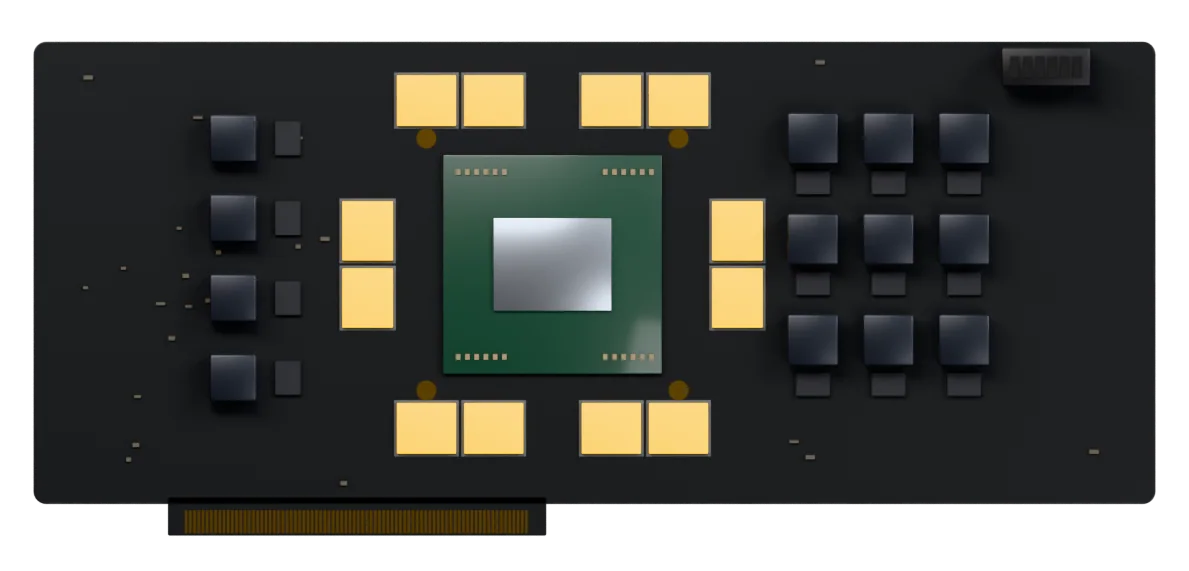
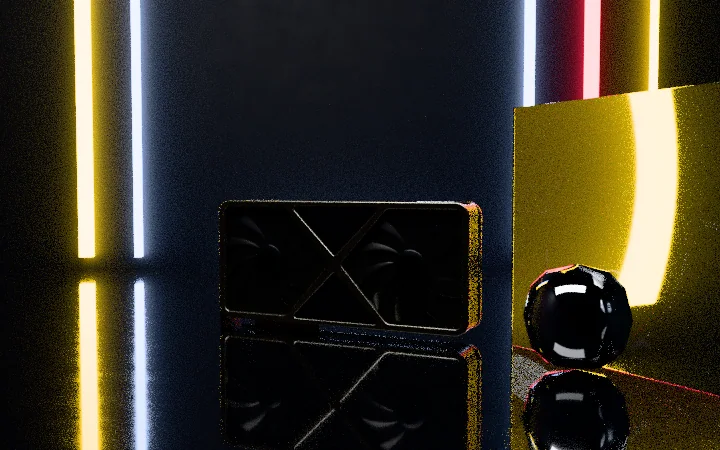
The part that draws the picture in games. It decides how good games look and how smoothly they run more than anything else in the PC.
Compare graphics cards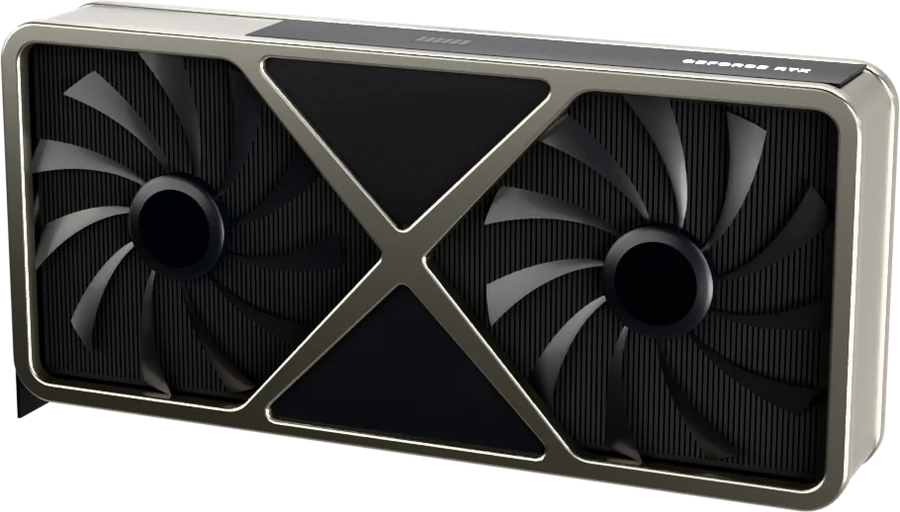
The words on spec sheets, with the thing itself in front of you.

The part that draws the picture in games. It decides how good games look and how smoothly they run more than anything else in the PC.
Compare graphics cardsMemory on the graphics card itself. Textures and AI models live here. Run out and a game stutters or a model won't load, however fast the card is.
Compare graphics cards
8 chips of 2 GB, side by side around the graphics chip. The other places stay empty. Cards with this much: GeForce RTX 5080, GeForce RTX 4080 SUPER, GeForce RTX 4080
A card with its cooler off.
The PC's main chip. It runs the game's logic and everything else you do. A slow one holds a fast graphics card back.
Compare processorsThe metal lid carries heat to the cooler. Underneath, each gold pad is one connection to the motherboard.
How many jobs a processor can work on at once. Games like six to eight good cores; video and 3D work use all you can give them.
Compare processorsA game leans on one or two cores and shares a little with the next few. The other 2 sit nearly idle.
The shape a processor plugs into. Processor and motherboard must have the same one, or they simply don't fit.
Try it in the PC builder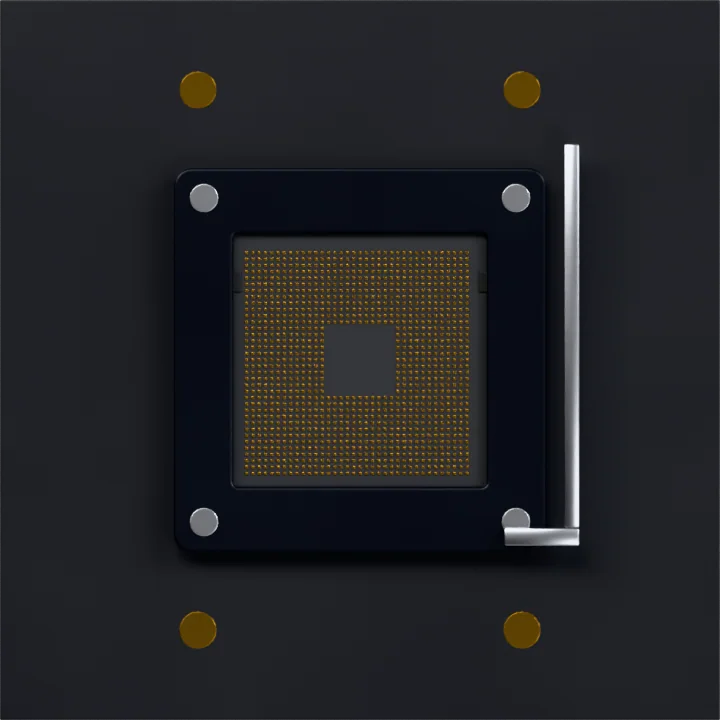

It fits. Lock the lever and it is done.
The board everything plugs into. It decides which processor, memory and how many drives you can use, and its size decides which cases fit.
Browse parts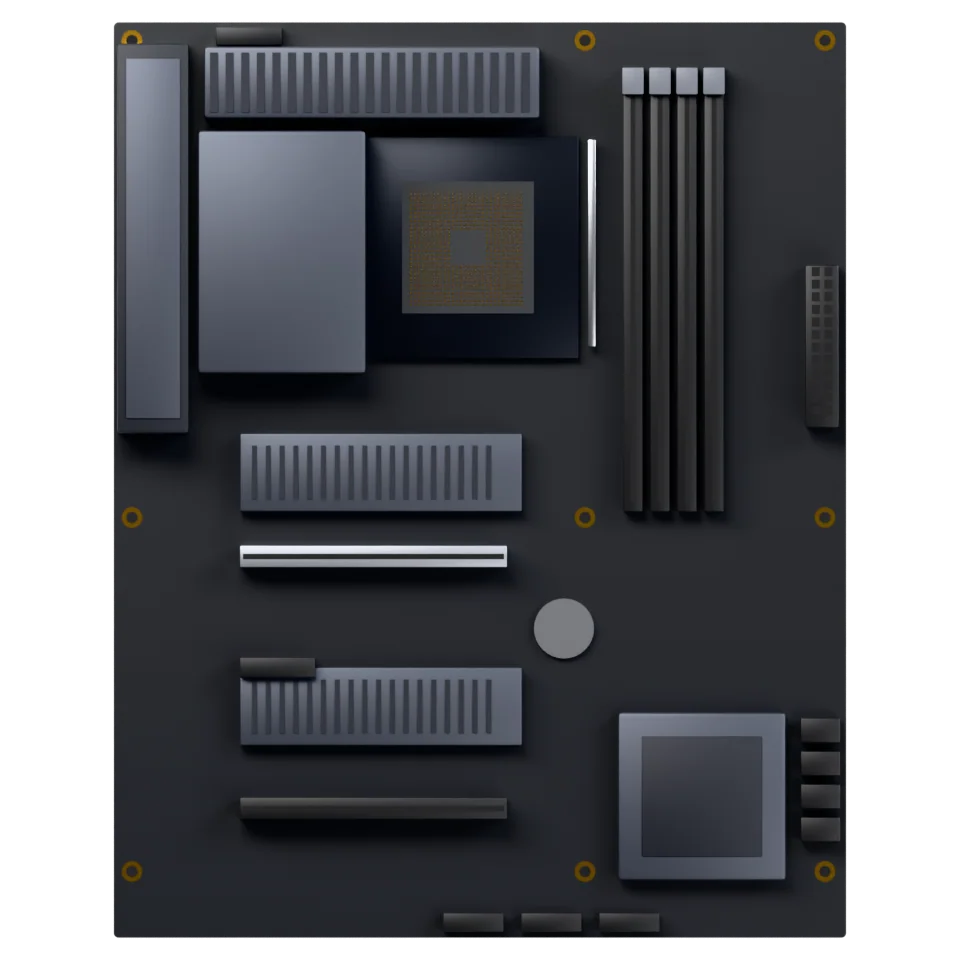
The processor sits here, under the cooler.
Motherboard sizes, large to small. A case lists the sizes it takes; a smaller board fits in a bigger case, never the other way round.
Try it in the PC builderATXA perfect fit: this is the size the case is made for.
Generations of memory. They don't fit each other's slots, so the motherboard decides which one you buy.
Browse parts

The cut in the edge lines up with the key in the slot, and it clicks home. DDR5 also carries its own power chip, in the middle of the stick.
The small fast drives that screw straight onto the motherboard. Much faster than older SATA drives, and now the normal choice.
Browse parts
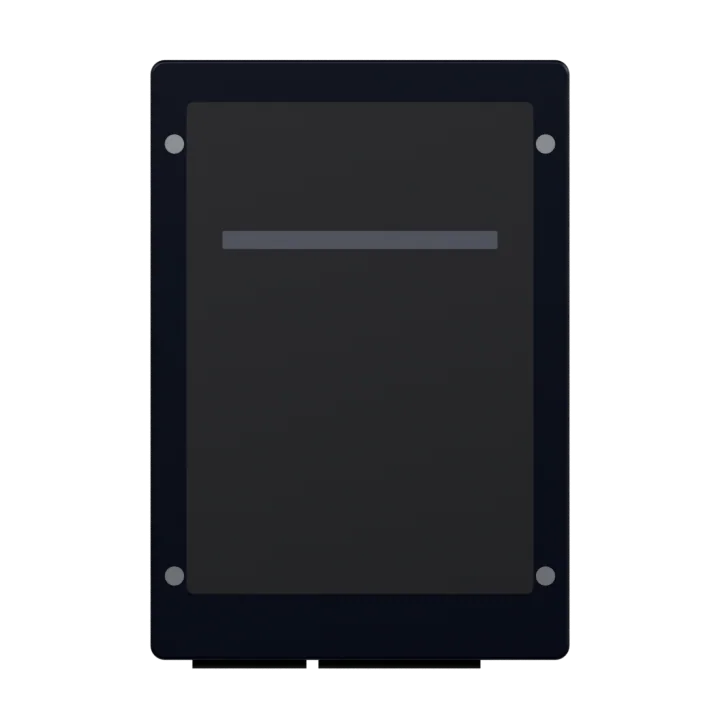
Played ten times faster than life.
Turns wall power into what the parts use. Buy more watts than the parts draw, with room for spikes, or the PC can shut off under load.
Try it in the PC builder
These parts draw about 1000 W, counting 75 W for the board, memory, drives and fans.
Too small. It runs out under load and the PC shuts off.
Roughly how much power a part draws under load, and so how much heat it makes. Higher means a bigger cooler and power supply.
Try it in the PC builderGeForce RTX 4070 can turn 200 W into heat. That's 20 household LED bulbs of 10 W, all in one box.
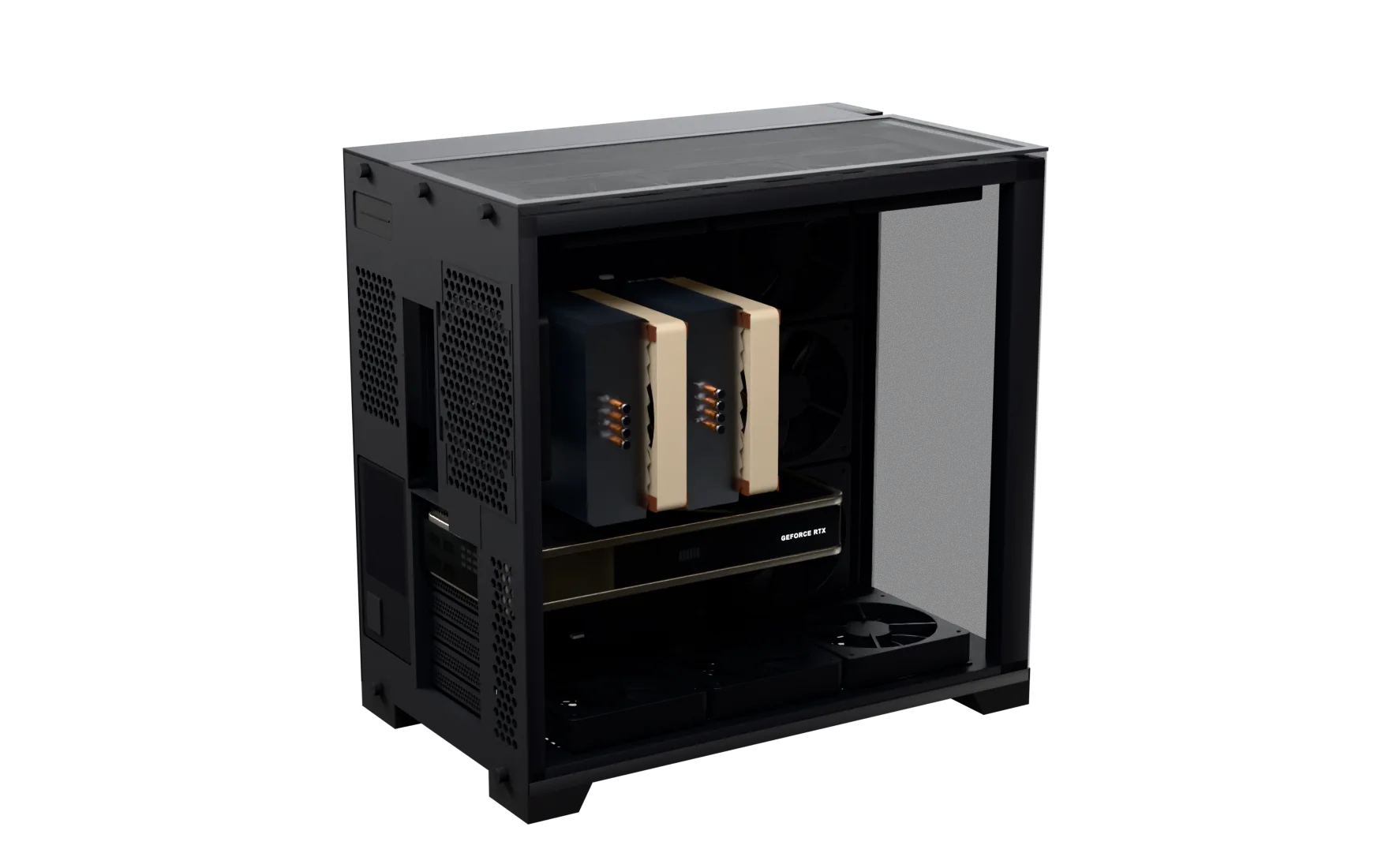
Air coolers are a metal tower with a fan: cheap and reliable. Liquid coolers move the heat to a radiator on the case: tidier, often quieter at high load, but you need room for it.
Browse parts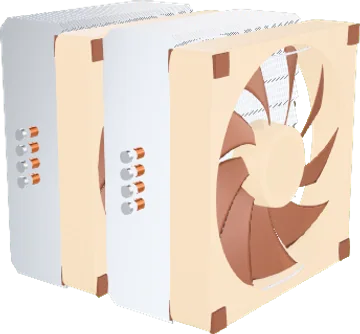
Heat climbs copper pipes into the fins right above the chip. A fan blows it out of the back of the case.
More air pushed in than pulled out. Air then leaks out of every gap, so dust mostly comes through the filters.
Try it in the PC builderPositive pressure: more in than out. Spare air leaks out of every gap, so dust can only come in through the filter, and it stops there.
Dust stopped at the filter: 0. Dust that got inside: 0.
How many pictures a second the game draws. 60 feels smooth, 120 and up feels very smooth, and below 30 starts to feel broken.
See games and their numbersThe speed of the slowest moments. A high average with a low 1% low still feels like stutter, so this number tells you more about how it feels.
See games and their numbersSame average, very different to play. Each bar below is one frame: the taller it is, the longer the picture hung.
From a public benchmark anyone can run, where a 3D scene is rendered. Higher is faster.
Compare graphics cards 1 sample so far
A render starts as noise and clears as it adds samples. The score is samples a minute: press a card and watch it clear at that card's real speed against the others.
The card draws the game smaller and rebuilds it sharper, so you get more frames for nearly the same picture. Each maker has its own version.
Compare graphics cards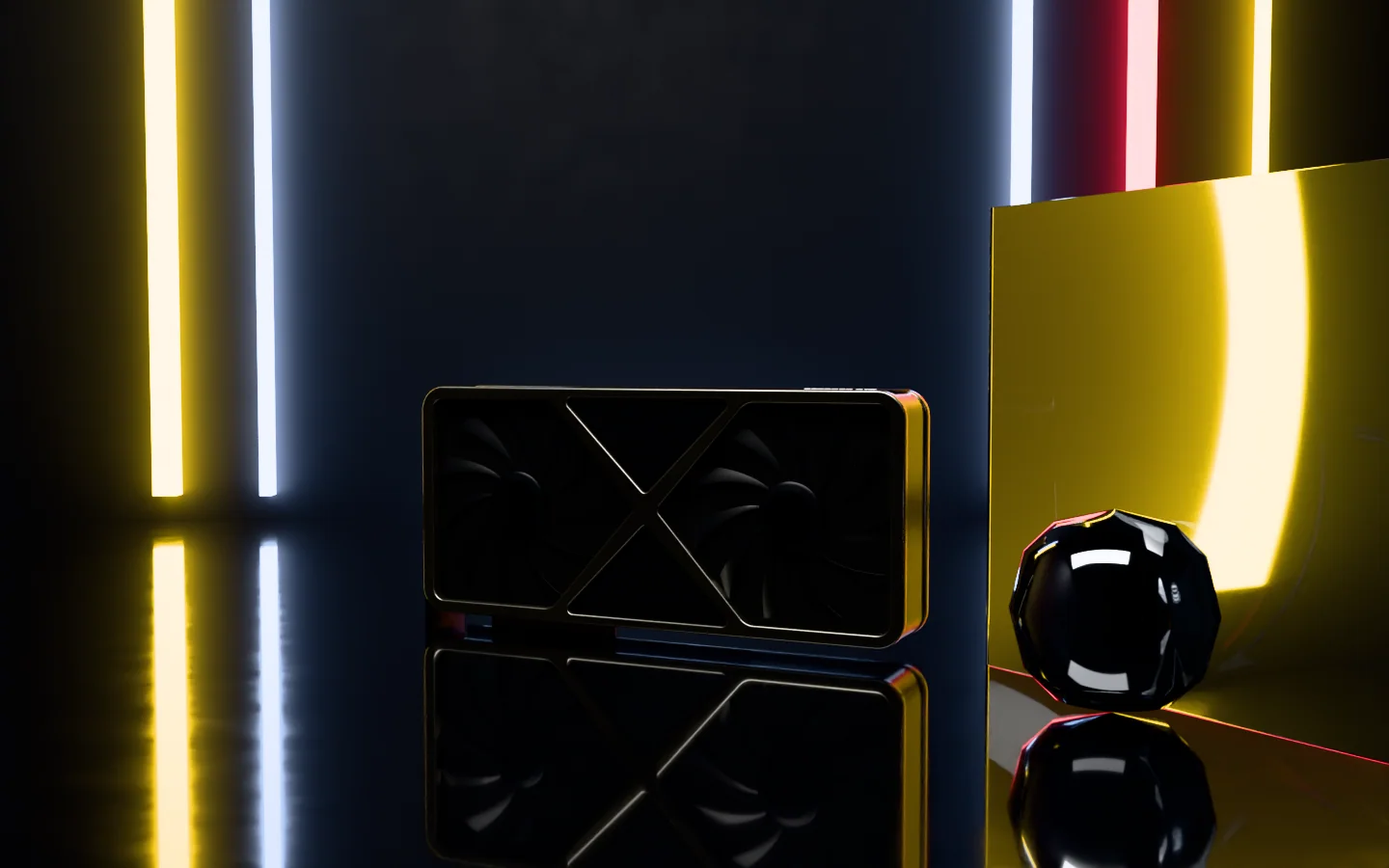

Half the size is a quarter of the pixels, which is why the frame rate climbs. DLSS, FSR and XeSS also use earlier frames and do much better.
Light and reflections worked out the way real light behaves. It looks lovely and costs a lot of speed.
Compare graphics cards

Drag across it: with bounced light, the floor mirrors the card, the glass catches the room and colour spills onto the metal.
How many times a second the screen can change. It only helps if the PC reaches that many frames.
See monitors and gearSlowed down 16 times, so every step shows. Each mark is one picture on the screen.
Screen types. OLED has true black and instant response; IPS has good colour; VA has deep contrast; TN is the fastest of the older kinds, with the weakest colour.
See monitors and gearEach pixel makes its own light, so black is simply off. Answers at once. Can burn in if one image stays for a very long time.
Brighter highlights and deeper shadows at once. It needs a bright screen to mean much, so check the brightness figure too.
See monitors and gear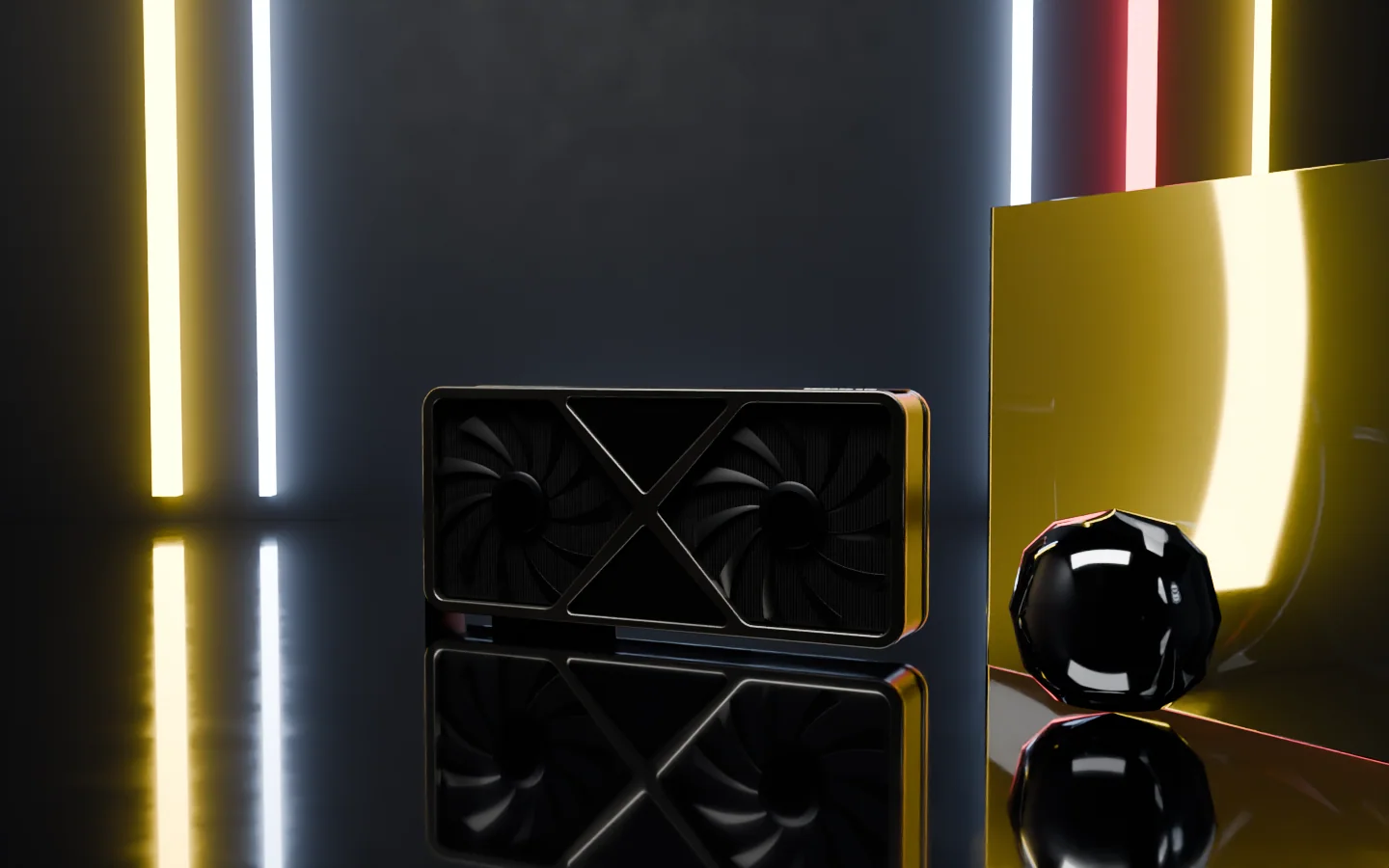

Bright lamps go flat white on the left, with no colour left in them. Real HDR needs an HDR screen, which also goes brighter than this page can.
How often a mouse or keyboard reports to the PC. 1000 Hz is plenty for nearly everyone; above that only shows in very fast competitive play.
See monitors and gearEach dot is one report to the PC. Closer dots follow your hand more closely.
An AI that runs on your own machine instead of a company's server. Private and free to use, limited by your memory.
Can your PC run a model?12 GB of the card's 16 GB. Roughly 88 to 130 tokens a second (a token is about three quarters of an English word), which is what you see here.
How fast a model writes. A token is a short word or a piece of a longer one.
Can your PC run a model?68 tokens in 3.4 seconds. From 12 a second, our AI page counts a model as comfortable to use.
Cut into tokens exactly as Qwen3’s tokenizer cuts it: each change of shade is a new token.
Storing a model with less precision so it takes less memory. Q4 is about half the size of Q8, with a small loss in quality that's usually worth it.
Can your PC run a model?Llama 3.2 3B at Q4_K_M takes 1.8 GB. The marks are how much memory cards come with.
The file format llama.cpp, Ollama and LM Studio load. One file holds the model's weights at one quantization, plus the settings needed to run it.
Can your PC run a model?Llama-3.1-8B-Instruct-Q4_K_M.gguf
4.92 GB, about 4.9 bits for each weight.
With 8K of context it needs 6.8 GB, and fits in 12 GB.
How much text a model can keep in mind at once. Longer needs more memory, so pick what your task really uses.
Can your PC run a model?8,192 tokens is about 12 pages of text. It adds 0.2 GB of memory on gpt-oss 20B.
Pages at about 500 English words each.
The memory a model uses to keep the conversation so far in mind. It sits on top of the model itself and grows with every token of context.
Can your PC run a model?At 32,768 tokens the cache takes 4.8 GB, on top of 5.0 GB for the Q4_K_M file.
All 36 of its layers keep every token.
11 GB in all: fits in 16 GB.
A model split into many small parts, of which only a few work on each token. It needs the memory of a big model but runs about as fast as a small one.
Can your PC run a model?Token 1 of 24, “Turn”: 8 of 128 experts in each of its 48 layers.
Read from memory for this token: 2.0 GB of the 19 GB file.
Experts used so far: 6%. Each token picks different ones, so the whole file still has to sit in memory.
A phone or tablet's processor, graphics and more on one chip. It sets how fast the device feels and how long it keeps feeling fast.
See phones and tabletsA couple of big fast cores and several small ones that sip power.
A kind of screen that slows its refresh rate when nothing on it moves, down to once a second, and saves battery doing it.
See phones and tabletsFast motion needs every picture, so the panel stays at 120 a second. Nothing is saved here.
Without LTPO the panel redraws 120 times a second, whatever is on it. Samsung Display says the whole system cuts a phone screen's power by up to 22%.
How well a device keeps out dust and water. The first digit is dust, the second water. With an 8 the maker sets the depth, so check how deep and for how long.
See phones and tablets
Within what IEC 60529 tested: 1 m for 30 minutes.
Tested on new phones in fresh water. Every maker here says the protection wears down with time.
How bright a screen can get. What counts is how it compares with the light around you: next to a sunlit scene, even a bright phone looks dim.
See phones and tablets3,000 nits against surroundings of about 5,000: the screen is 1.7 times dimmer than what's around it, so it looks grey and hard to read.
How many pixels fit in an inch of screen. How sharp that looks depends on how far away it is: a monitor at arm's length needs fewer than a phone near your face.
See phones and tablets460 ppi seen from 30 cm is 95 pixels for each degree of your view.
Normal sight separates about 60, so single pixels blur into one. On this screen that happens from 19 cm.
A 2 mm letter drawn with this screen's own pixels, enlarged as your eye sees it from there. The bar is one arcminute, the finest detail normal sight (1.0 on an eye chart, ISO 8596) separates. Pixel densities: makers' pages; for monitors, worked out from the size and resolution they state.
A camera with a longer lens that brings far things closer without losing detail. Past its own zoom, the phone cuts out the middle of the picture, and that costs pixels.
See phones and tablets 1×4×
4×: the 4× telephoto camera, using all 48 MP.
Like a 96 mm lens on a full-frame camera.