
Can my PC run it?
Which open models run on your graphics card, Mac or mini PC, how fast they write, and how to set one up from nothing.
Your machine
Best on this machine
Choose your graphics card or Mac above, and the picks follow it.
Check any model on this machine
Pick a model, a file and how much conversation it should hold. The bar shows what takes the memory.
Set it up, step by step
Filled in for gpt-oss 20B, file MXFP4 (12.11 GB to download). Choose another model above and every command changes with it.
The easiest start: one install, one command, and other apps can use the model too.
Which file to take
Q4_K_M is the usual choice: about a third of the original size with most of the quality. Q5 and Q6 keep a little more and need more memory; Q8_0 is nearly the original; Q3 and Q2 fit small cards and lose noticeably. Models released at 4 bits, like gpt-oss, come as one file.
Before you start
- Update to the newest NVIDIA driver: version 550 or later, and 570 or later for the GTX 900 and 10 series.
- Free disk space for the file plus a few GB, ideally on an SSD: loading from a hard disk takes minutes.
- Games and other programs that hold graphics memory leave less for the model. Close them while it runs.
Install it
Download OllamaSetup.exe from ollama.com/download and run it. Ollama then runs in the background and starts with Windows.
Download the model and start talking
Paste this into a terminal (on Windows, Terminal or PowerShell). The first run downloads the file; after that it starts in seconds. Type a message and press Enter; /bye leaves.
ollama run hf.co/ggml-org/gpt-oss-20b-GGUF:MXFP4 --verboseMake sure it runs on the graphics card
In a second terminal while the model is loaded. PROCESSOR should read 100% GPU. A split such as 40%/60% CPU/GPU means part of it sits in system memory and every answer slows down: choose a smaller file or a smaller model.
ollama psMeasure your speed and send it
After each answer, --verbose prints its timings. “eval rate” is how fast it writes, in tokens a second; “prompt eval rate” is how fast it read what you sent. Send the eval rate with the form under What people measured.
Send your resultLonger conversations and documents
Ollama sets how much conversation it keeps from your graphics memory: 4,096 tokens under 24 GB, 32,768 from 24 to 48 GB, 262,144 above. For more in one chat, type this inside it:
/set parameter num_ctx 32768To change it for every app, run this, then quit and reopen Ollama:
setx OLLAMA_CONTEXT_LENGTH 32768More conversation takes more memory (the calculator above shows how much). These two settings, made the same way, halve it with almost no loss:
setx OLLAMA_FLASH_ATTENTION 1setx OLLAMA_KV_CACHE_TYPE q8_0Use it from other apps
Ollama answers at http://localhost:11434, and at the address below for apps that speak OpenAI’s API (code editors, chat apps such as Open WebUI). Give them the model name hf.co/ggml-org/gpt-oss-20b-GGUF:MXFP4.
http://localhost:11434/v1Remove it
ollama list shows what is downloaded; this removes the model. Files live in .ollama/models in your user folder.
ollama rm hf.co/ggml-org/gpt-oss-20b-GGUF:MXFP4
If something goes wrong
- Only a few tokens a second: the model doesn’t fit in fast memory. Pick a smaller file or model, or close what holds graphics memory.
- It won’t load, or stops with an out-of-memory error: lower the context length, or take a smaller file.
- Answers loop or make no sense: the file is cut too small (Q2, Q3), so take the next one up. A model newer than your tool also needs the tool’s latest version.
- A long wait before the first word: reading a long message is a separate step from writing. Models that think before answering also write their reasoning first; that is how they work.
What people measured
No results yet. Run a model with the steps above and send your speed.
Your result with gpt-oss 20B
A speed, a mark for its answers, or both.
Every model we list
106 models
- Qwen3 0.6BAlibaba Qwen, Apache 2.00.6BThinks first15.2M1,928 likes
- Qwen3 14BAlibaba Qwen, Apache 2.014.8BThinks first13.1M552 likes
- Qwen3 4B 2507Alibaba Qwen, Apache 2.04.0BLong documents6.7M1,064 likes
- Qwen2.5 7BAlibaba Qwen, Apache 2.07.6BChat6.4M2,506 likes
- Qwen3.8 27BAlibaba Qwen, Apache 2.027.0BThinks first, pictures, long documents6.3M20,876 likes
- Qwen3 8BAlibaba Qwen, Apache 2.08.2BThinks first6.1M2,210 likes
- Gemma 4 31BGoogle, Apache 2.031.0BThinks first, pictures, long documents5.8M4,447 likes
- Qwen3 VL 8BAlibaba Qwen, Apache 2.08.0BPictures, long documents5.7M1,274 likes
- gpt-oss 20BOpenAI, Apache 2.021.0B3.6B activeThinks first, long documents5.6M5,340 likes
- Gemma 4 26B A4BGoogle, Apache 2.026.0B3.8B activeThinks first, pictures, long documents4.8M1,797 likes
- Qwen2.5 1.5BAlibaba Qwen, Apache 2.01.5BChat4.8M952 likes
- Gemma 4 E4BGoogle, Apache 2.08.0BThinks first, pictures, long documents4.2M1,919 likes
- Llama 3.1 8BMeta, Llama 3.1 Community8.0BLong documents4.0M9,072 likes
- Qwen2.5 0.5BAlibaba Qwen, Apache 2.00.5BChat3.9M758 likes
- Qwen3 32BAlibaba Qwen, Apache 2.032.8BThinks first3.8M798 likes
- Qwen3 4BAlibaba Qwen, Apache 2.04.0BThinks first3.1M808 likes
- Gemma 4 E2BGoogle, Apache 2.05.1BThinks first, pictures, long documents2.7M1,163 likes
- Qwen3 1.7BAlibaba Qwen, Apache 2.01.7BThinks first2.6M637 likes
- Qwen3 VL 4BAlibaba Qwen, Apache 2.04.0BPictures, long documents2.6M544 likes
- gpt-oss 120BOpenAI, Apache 2.0117B5.1B activeThinks first, long documents2.3M5,552 likes
Articles
Dragos's bait prompts show three AI hosting providers were breached for months, and OpenRouter pulls 125 endpoints from its no-retention list
Dragos's HD Moore sent bait secrets to AI services from July to November. Attackers stole them from inside providers, resellers logged them, and requests marked zero data retention were read anyway.
Xenadia News, 3 min read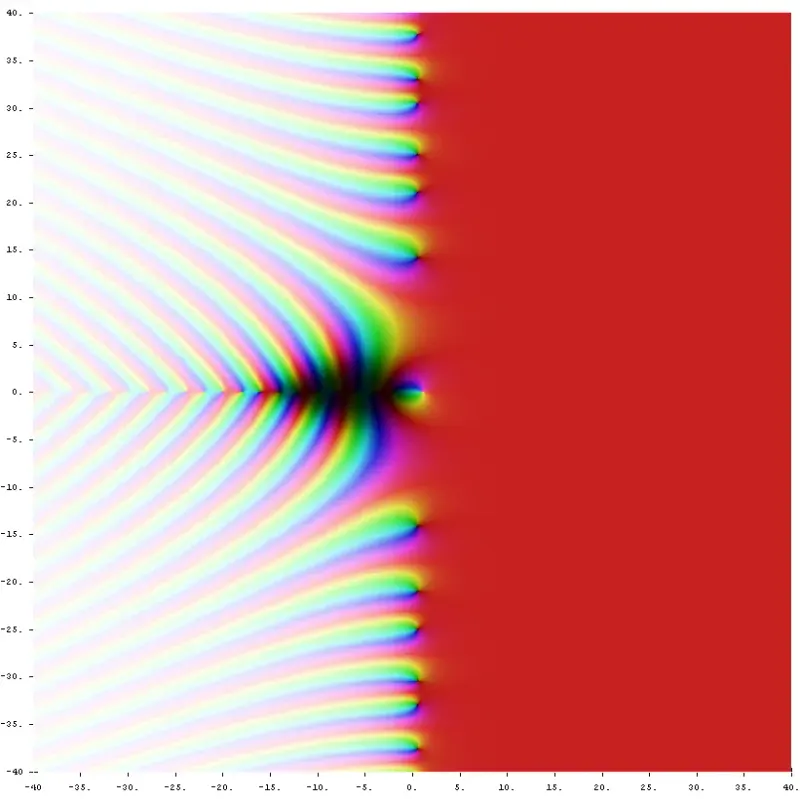
Lean and Mathlib certify the Riemann hypothesis proof written with Claude
Their joint statement says the 17 million lines of Lean prove the real theorem. Mathematicians say understanding the proof is the work that starts now.
OpenAI starts testing dots, its always-on agents, with some $20 ChatGPT Plus users
Until now a dot came only with plans from $100 a month. All Business Standard members in the US are getting one too.

Amazon nears a $7.5 billion deal for Decart, whose software speeds up AI on any maker's chips, FT reports
The Financial Times says a deal could come as early as this week. Anthropic tried to buy the startup for about $6 billion in the summer and walked away.
Microsoft's seven new MAI models go after OpenAI and Anthropic on price
MAI Code 2 comes to GitHub Copilot, and a security model is priced at a hundredth of GPT-6 Astra. Companies will also be able to run MAI models on their own Azure setup.
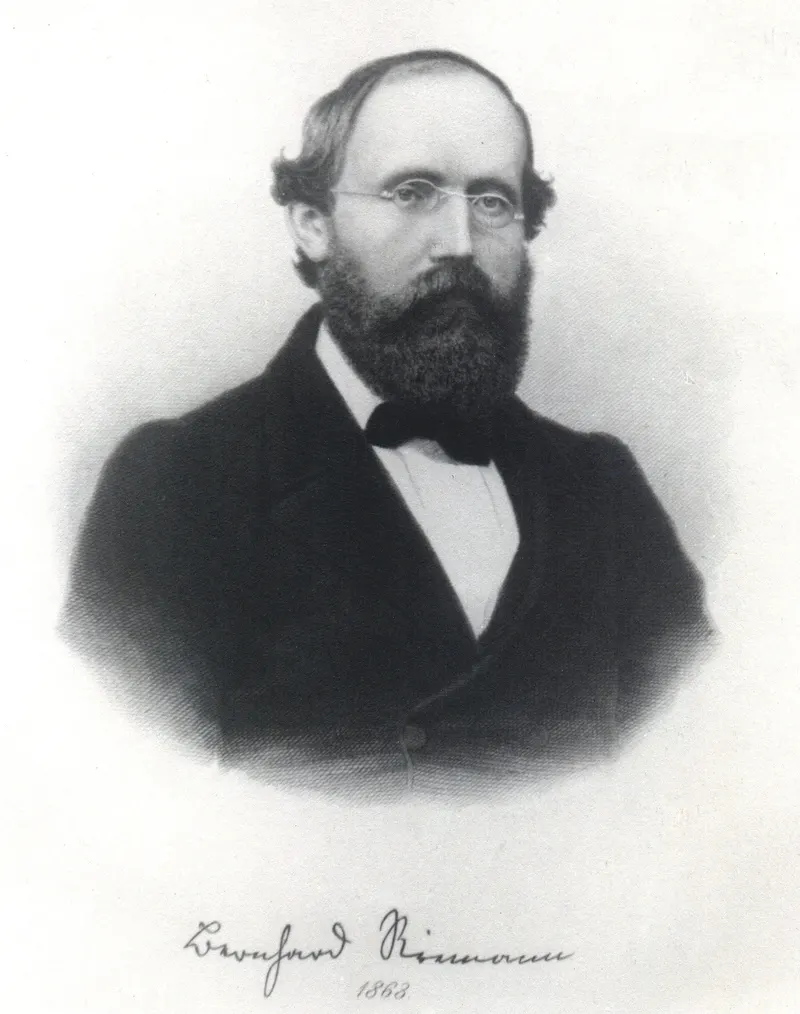
An Anthropic mathematician says he proved the Riemann hypothesis with Claude, and the first checks of his Lean proof hold up
Levent Alpöge posted the proof on Friday as computer-checked code only, with no paper. Two independently written proof checkers have accepted all of it, and two more runs are still going. A human mathematician's claimed proof of the generalized hypothesis, which nobody has verified yet, appeared the same day.